Digitize Your Memories in Time for the Holidays
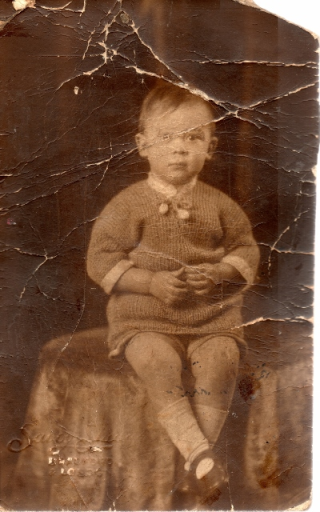
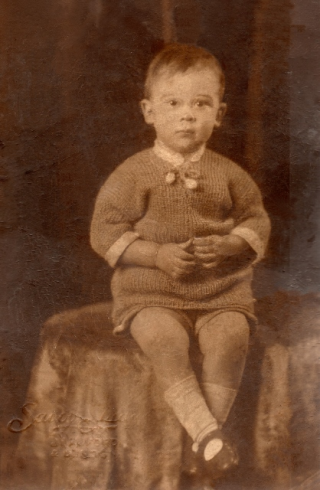
The holidays are a time for memories, sharing and family, so why not scan some of those precious family photos and send them to family via email, share them online or even have custom photobooks printed as gifts. You may be wondering – how do I get my pictures from these old dusty photo albums into a digital format.
Why not do it yourself right here at the library? Toronto Public Library offers free access to photo, slide and negative scanners across the city in our enhanced Learning Centres and our Digital Innovation Hubs.
While you are there, use Adobe Photoshop to repair and touch up your images before you reprint or share. You could even use video-editing software like Adobe Premiere to combine still images and music into a short video.
In fact, you also have free access to the full Adobe Creative Cloud Suite of software in our six enhanced Learning Centres at:
Cedarbrae
Fairview
Maria A. Shchuka
Northern District
Richview
S. Walter Stewart
and our six Digital Innovation Hubs:
Agincourt
Albion
Downsview
Fort York
Scarborough Civic Centre
Toronto Reference Library
Reserve your workstation at one of the six enhanced Learning Centres online; or telephone to reserve at the Digital innovation Hubs.
4 thoughts on “Digitize Your Memories in Time for the Holidays”
I’ve been using the PhotoScan app from Google Photos. The results aren’t as high-quality as a flatbed scan, but it’s VERY fast and easy. It’s available for both Android and iOS.
Thanks for this; how great. Are the scanners (unlike your photocopiers alas) ever cleaned? So as to not scratch negatives especially.
Hi Sandra,
Thank-you for the tip – I just downloaded the app and am eager to play with it! Sometimes fast and easy is all we need. For other tasks TPL is able to help.
Hi Wanda,
Good question – in *ideal* conditions scanners would be cleaned with a special cleaner and we’d all use lint-free gloves to handle both the machine and our originals. Unfortunately in a public environment the scanners can get some heavy use.
The scanners in the Digital Innovation Hubs (DIH) are cleaned most often but if you encounter a scanner which has fingerprints, etc., check in with staff about cleaning it.
If you are doing some negative or slide scanning in the DIH or one of the enhanced Learning Centres my tip is to bring some canned air with you to remove dust on your transparencies. You will need to use the slide/negative holders which are designed to prevent scratches and hold your originals in the correct position for scanning. Ask staff for those holders.
Happy digitizing!