Make Your Illustrations Move!
Creating illustrations digitally gives artists the ability to expand beyond the limitations of traditional media. In my opinion, one of the most wonderful features of drawing using digital software is the opportunity to easily animate your illustrations. Having this skill opens you up to more professional opportunities as an illustrator. As different publications, brands and blogs build up their web presence, there's been an increasing demand for illustrators who can make their illustrations move. Also, animating your drawings can be super fun!
Adobe Creative Cloud has multiple software options that you can use to animate, but I've found Adobe Photoshop is the easiest and most intuitive for me. If you're already creating illustrations in Photoshop, you can use many of those same Photoshop tools to transition to animation. Photoshop does a great job at animating short animations (I've always stuck with animations 15 seconds or less, though if you're working on a powerful computer you can make longer ones). You can also easily export animations in a video format, or as a GIF (a format for image files that supports short animations without sound) which is perfect for displaying on a website or using on social media.
As a part of my residency at Fort York Branch I've been facilitating a workshop called "Create a Simple Animated Illustration". Together we learn about the process for creating an an animated illustration in Photoshop, and each participant makes their own 2-3 second animation.
I wanted to show off a few examples of participants work, as I'm so thrilled by what everyone created.


Library Resources

If you want to learn more about how to use Adobe Photoshop, I always recommend Lynda.com to start you off. You can access it from any internet connected computer as long as you have a valid library card. They have many videos that offer step by step explanations on how to use the software.
For more info about animation in general, I have a couple books to recommend:
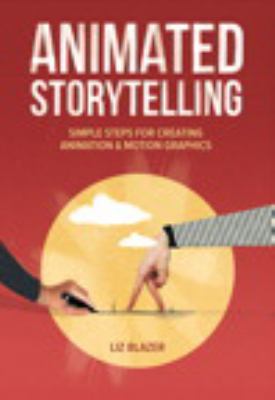
Animated Storytelling: Simple Steps for Creating Animation & Motion Graphics is a great book for learning about how to plan out an animation, from storyboards to finished product. It also defines a lot of animation terms, and gives you a great basis for starting your own projects.
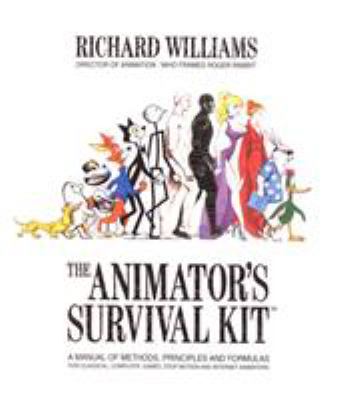
If you're more interested in animation in general, The Animator's Survival Kit is a great book to look at. Written by Richard Williams, the animator behind Who Framed Roger Rabbit?, it's considered by many to be a guidebook for understanding animation principles.
Start Animating at a Digital Innovation Hub
The Digital Innovation Hubs at Toronto Public Library offer access to a variety of helpful tools and software. You can book time on computers with Adobe Creative Suite (giving you access to Photoshop), and you can also book a Wacom Cintiq, allowing you to draw directly into Photoshop. Talk to the staff at your local Digital Innovation Hub to get started.
Comments