The Benefits of Keyboard Shortcuts
Spending lots of time on the computer or using design software? Learn about keyboard shortcuts to help improve your workflow, accuracy and health.
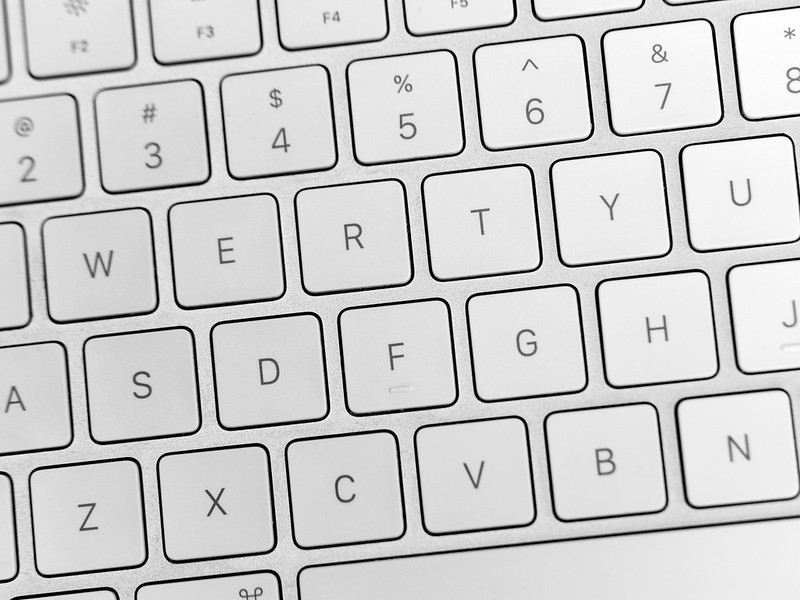
Keyboard shortcuts are combinations of keys that allow users to access menus, tools and functions in an application. You may already be familiar with common shortcuts such as CTRL+C / ⌘+C (Copy) and CTRL+V / ⌘+V (Paste).
Keyboard shortcuts as we know them today result from Apple’s release of the first MacIntosh in 1984; commonly used shortcuts use the Apple’s Command Key (⌘), such as those mentioned above, as well as ⌘+Z (Undo), ⌘+X (Cut), ⌘+S (Save). Microsoft adopted these shortcuts with their first Windows operating system opting to use the Control (CTRL) key.
Using keyboard shortcuts provides great benefits to your productivity and health. This is especially true for designers, editors and other digital content creators who spend hours at a time working on a project. Here are some of the benefits.
1. Faster Workflow
According to Brainscape, utilizing shortcuts can save two seconds of every minute of work. Adding this up, this could save you as much as 64 hours per year, based on an eight-hour work day.
2. Accuracy
In a 3D design app, one might need to rotate an object by a specific number of degrees. You could use the mouse to select the rotate tool and then click and drag to rotate the object, adjusting until you get it right. Or you could type the keyboard shortcut. Fast, easy, and above all, accurate.
3. Health
Repetitive Stress Injuries (RSI), such as tendonitis, are a concern for anyone who spends a lot of time using a computer. This includes designers and digital content creators who use a mouse or graphics tablet and put the majority of the workload on one hand. Keyboard shortcuts help spread the workload between both hands, lessening the risk of fatigue and injury.
Online Tools to Learn Shortcuts
Learning keyboard shortcuts can feel overwhelming. There are differences and inconsistencies between different programs. But don't fret! Here are a few resources and tips to get you started.
Overview of General Shortcuts
- Google – A quick search will often provide links or images for shortcuts for most apps.
- Keyboard Covers – Many of the more popular apps will have covers that label the keyboard with all shortcuts.
- Menus – Menus and toolbars within the app often have the shortcut listed next to the name of the tool or operation.
- Youtube - Watch videos about keyboard shortcuts for most design applications.
Design Software Shortcuts
Design and editing apps such as Blender, DaVinci Resolve and Adobe Creative Suite will have a shortcut for about every tool.
Here are keyboard shortcuts for popular design and editing software:
Other Tips
- Break them down and start small. Begin with the program you use most. Think about the tools within the app that are most important to your workflow. Learn a few shortcuts at a time and, over time, add a few more.
- Give yourself a goal. For example, try something like one shortcut a day, or commit to learning specific shortcuts while working on a project. Make a goal that works for you. Keep it small and simple.
- Take notes. Develop your own reference guide to refer to.
Library Tools to Learn Shortcuts
The following resources from Safari Tech and Business Books Online are free to use with a TPL card. You will be asked to sign in with your card to follow the links below.
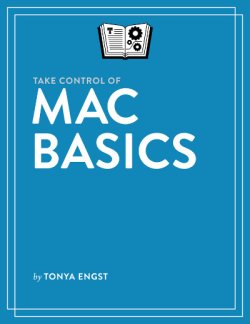
This book includes a section on how to use Mac keyboard shortcuts. Try the section titled Essential Skills.

Photoshop: A Complete Course and a Compendium of Features
An informative resource for learning Photoshop and keyboard shortcuts. Try the section titled Comprehensive.
Video Tutorials from Lynda.com
You will need a TPL card to access these Lynda.com tutorials that offer keyboard shortcuts for various design software.
Illustrator 2020: Essential Training
This video will show you how to create keyboard shortcuts in Illustrator.
This video will show you how to create your own keyboard shortcuts in Photoshop.
Final Cut Pro X Guru: Keyboard shortcut
This video will guide you through keyboard shortcuts that are tailored to your own workflow.
What helpful keyboard shortcuts do you use most often? Is there a shortcut that has saved you a lot of time and effort, but most people don't know it? Share below in the comments!
With thanks to Nyima Huet for co-authoring this post.
Comments