Digital Design Tutorials on Our Pop-Up Learning Labs Instagram
The staff from our Digital Innovation Hubs and the Pop-Up Learning Labs offer fantastic workshops. They teach classes on web design, photography, electronics, 3D design, coding and more. During our branch closure due to the COVID-19 pandemic, these teams have been providing instructional online programs.
To enhance these programs, we are posting short videos daily on our Pop-Up Learning Labs' Instagram page. The short tutorials, no longer than four minutes each, cover a variety of topics. You'll find tutorials for Blender, video editing, photography, web design, Autodesk Tinkercad and Fusion 360, and coding to create art.
We've highlighted a few of our favourite Instagram posts from from the last three months below. To view Instagram posts on a computer without signing up for an Instagram account, add a Chrome extension onto your PC or Mac computer.
Blender
Blender is a free and open-source 3D computer graphics software. It is used for 3D modeling, animation, and rendering.
The following tutorials are two to four minutes on topics such as: how to add 3D text, separating part of your mesh and how to use a Boolean modifier in Blender.
- Creating 3D Text in Blender
- Adding Multiple material to an object in Blender.
- How to Reopen the Operator Window in Blender 2.8
- Proportional Editing in Blender 2.8
- Hiding Objects in Blender 2.8
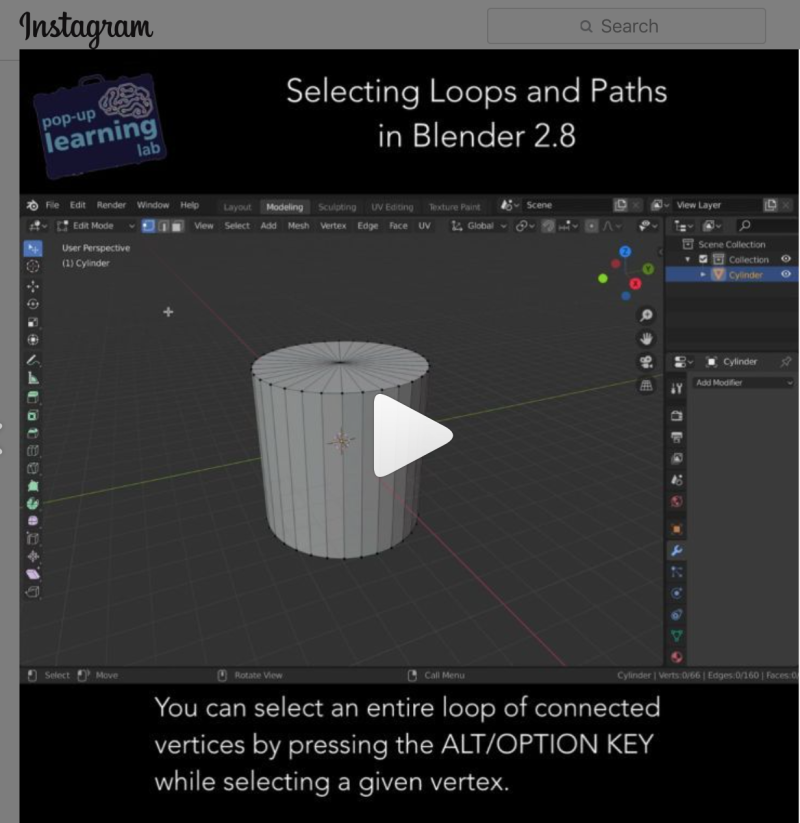
- Selecting Loops and Paths in Blender 2.8
- Separating Part of Your Mesh in Blender 2.8
- How to Use the Boolean Modifier in Blender 2.8
Video Editing and Organizing
The following tutorials for video editing were created using Adobe Premiere Pro and iMovie. They provide short snippets about video editing, how to incorporate special effects in your video and how to create a background using a green screen.
- Premiere with Green Screen
- Video Editing Trickery in Premiere
- Multi-Camera Video Editing
- iMovie Part 1
- iMovie Part 2
Photography
Are you interested in learning how to take a great photograph? Want to improve your photography skills? These Instagram posts are devoted to photography topics such as composition rules, understanding aperture, how to light a subject and how to create a better picture. Once you have learned some new photography skills, check out our Pop-Up Learning Labs' Photo Challenge.
- Rule of Thirds
- The Golden Ratio
- How to Create a Sense of Depth
- Understanding Aperture
- Adobe Lightroom for light editing and organizing
- How to Light a Subject
- What are DSLR cameras?
If you have an Apple computer, did you know that it comes with Apple Photos? Have you ever wondered how it can help you organize all your photos as well as create a fun slideshow? Check out the posts below and give Apple Photos a try.
Arduino
When our branches are open, the Digital Innovation Hubs lend out Arduino kits. During the closure, you can still learn Arduino using Tinkercad.
Every week, there is an Instagram post that offers tips and tricks in circuitry using Autodesk Tinkercad.
- Arduino in Tinkercad
- Arduino Tutorial #2
- Looking at Series & Parallel Circuits.
- Understanding Voltage
- Using the Multimeter
- Arduino: Controlling an LED with a Push Button
Web Design
The Pop-Up Learning Labs are currently teaching an online multi-part web design series in HTML and CSS.
To supplement the training, a few quick tutorials are offered through Instagram. The following posts are about how to use CSS to create a web page, creating web design tags and how to use CSS float and Flex Box.
- Peek Into 3D Design and Web Design
- CSS in Web Design
- Organization in Coding!
- Web Design Tags
- Responsive CSS Media
- Using CSS Float
- Using CSS Flex Box
3D Design
Are you interested in learning 3D design? The following tutorials describe how to group or ungroup in Autodesk Tinkercad, how to slice a 3D design, and how to create a 3D design using Autodesk Fusion 360.
- Autodesk Tinkercad Used to Create a 3D design
- Importing 2D images into Tinkercad
- How to Slice in Tinkercad
- How to Group and Ungroup in Tinkercad
- Pro and Cons using Tinkercad and Autodesk 360 Fusion
- Introduction to 3D Design with Fusion 360
Coding to Create Art
Creating art can be both easy and fun. The following tutorials were created using Krita, P5.js, and Piskelapp. Check out what was created and give it a try. Code is provided for each sample.
- Introduction to Krita
- Coding Using editor.p5js
- Coding Samples Using Editor.P5js
- Pixel Art Using Piskelapp
- Creating a Postcard Using P5js
Online Library Resources to Continue Your Learning
If you're looking for more ways to learn online, try the resources below from Lynda.com. All are free to use with a TPL card. You will be asked to sign in with your card to follow the links below.
A hands-on course that will guide you through the steps to develop an online resume page.
Blender 2.83 Essential Training
A great overview of how to use Blender for creating 3D graphics plus how to use advanced tools for modeling, video effects and animation.
Photography Foundations: Mobile Photography
An informative video on how to use your mobile phone to take a great picture. The video dives into how to add lenses, how to take a good portrait and taking a picture in low light. A useful video for anyone who takes photos with a mobile phone, but wants them to look their best.
A great place to begin that leads into advanced techniques in using iMovie to create your own video. You will learn how to add audio, trailers, text, transitions and special effects.
A great video for beginners. It guides you through what Arduino can do, the various functions and commands, and how to light up an LED light as a simple project.
Fusion 360: Tips, Tricks, and Techniques
A beginner level on how to use Autodesk Fusion 360 to create 3D designs. It is a weekly series that gives you tips and tricks using specific tools.
Coding for Visual Learners: Learning JavaScript from Scratch
A great introduction for those new to coding. You will learn Javascript as well as p5.js. At the end of the course you will have the basics on how to design your own video game.
Special thanks to the Digital Innovation Hub and the Pop-Up Learning Labs teams for creating the Instagram Posts.
Comments