Learn Online: Beginner Computer Skills
During this period of physical distancing, the use of technology has become a vital part of our lives. Technology allows us to keep in touch with friends and family and access essential services. It provides entertainment and engagement with the outside world. Some people who lack digital literacy skills, particularly seniors, may be experiencing increased feelings of isolation at this time.
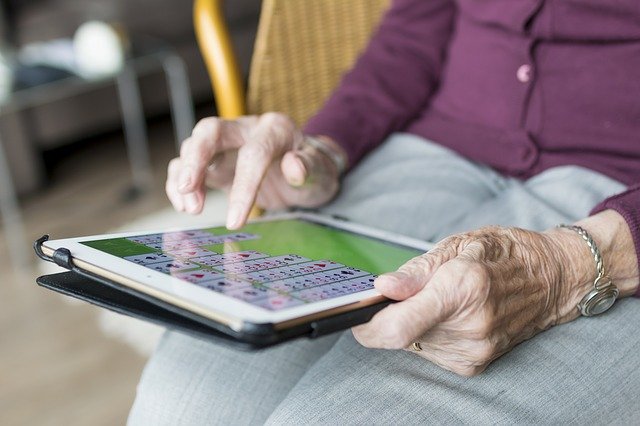
Why not take this opportunity to help someone in your household learn or improve their computer skills?
Here are some resources to get you started.
O’Reilley for Public Libraries (Formerly Safari Tech & Business Books Online)
Along with streaming ebooks, O’Reilley for Public Libraries offers a variety of online video courses. Learn more about O’Reilley for Public Libraries. To follow the links below to these courses, you may be asked to sign in with your library card. Descriptions are taken from O'Reilley.
Computer basics: Windows 10 edition absolute beginner's guide
Make the most of your Windows 10 notebook or desktop computer—without becoming a technical expert! This is the fastest way to get comfortable, get productive, get online, get started with social networking, make more connections, and have more fun! Even if you’ve never used a Windows computer before, this book shows you how to do what you want, one incredibly clear and easy step at a time.
Digital Literacy For Dummies makes it easy to get a grip on computer basics, the Internet, the Cloud, browsing the web, productivity programs and applications for school and the workplace, computer security and privacy, the latest in digital lifestyle topics, and so much more.
- Walks you through the basics of developing essential computer technology skills
- Shows you how to gain the digital literacy skills required to succeed in education, at home, and in the workforce
- Explains how the use of smartphones and digital cameras contribute to digital literacy
Facebook for seniors: connect with friends and family in 12 easy lessons
Facebook for Seniors offers 12 step-by-step lessons for getting set up on the world's largest networking site.
Courses from Lynda.com
Online tutorials that you can'take at your own pace. Create an account to track your progress. Learn more about Lynda.com.
To follow the links below to these courses, you may be asked to sign in with your library card. Course descriptions are all from Lynda.com.
Computer Literacy for Windows 10
This course focuses on the Microsoft Windows 10 operating system and offers a thorough, jargon-free introduction to computers, files and folders, networks, and peripherals like printers and keyboards.
Topics include:
- What is a computer?
- Purchasing a laptop vs. desktop
- Understanding files and folders
- Opening and saving files
- Connecting to networks to go online
- Setting up email
- Receiving and sending email
- Searching the web
iPhone and iPad Tips and Tricks
Topics include:
• Deleting and moving apps
• Managing data usage
• Using iPad-specific gestures
• Typing tips
• Customizing mail
• Scanning documents
• Fitting more on the Home screen
• Using a mouse with the iPad
Learn how to use Facebook to connect with friends and family. Discover how to build your friends list, share status updates and photos, adjust privacy settings, and more.
Learn how to type fast, efficiently, and ergonomically.
Computer training guides
You can also guides that were developed by Toronto Public Library staff and used in our popular in-person Computer Training classes. These guides can be accessed from our eLearning page and can'to help you get started teaching or learning beginner computer skills such as:
Computers for Beginners:
- Use the Mouse
- Use the keyboard
- Google search and maps
iPads for Beginners:
- Use the Keyboard with the iPad
- Use Google Search and Maps on the iPad
- Use Email on an iPad
Free Online Resources:
There are also a number of free online resources to help you or your loved ones get started learning important computer skills.
These free online modules help people to learn technology skills at their own pace. Topics covered include: getting starting on a computer, navigating a website, intro to email and using YouTube. There is also a separate section with tools and resources for trainers.
GCF Learn Free offers free, self-paced tutorials covering "200 topics, including more than 2,000 lessons, more than 1,000 videos, and more than 50 interactives and games." Topics include beginner level courses such as getting started with computers, typing tutorials, and more advanced topics such as graphic design and image editing.
Comments