Creating with Creative Commons: Licensing Your Own Work
Last week, we looked at how you can use digital media with a Creative Commons license to spark inspiration or enhance your own projects.
Now, we'll take a closer look at what a Creative Commons license (CC) means and how you can apply it to your own works.
Copyright
Copyright is a form of intellectual property that is automatically applied to an original work at the time it is created. This protects your rights as the creator by prohibiting others from copying your work without your permission. Generally, this lasts for the life of the creator plus the first 50 years after their death.
As the creator, you may wish to register the copyright to receive an official legal certificate from the Canadian Intellectual Property Office that provides physical evidence of ownership.
Creative Commons
As discussed in the last post, you may wish to share your work with the world at large, encouraging others to make use of it in their own creations. A Creative Commons license is a form of copyright that allows you to do this while still preserving your right to decide how the original work may be used.
Let's suppose you found yourself with more time at home throughout the pandemic and spent some of it learning a new skill at one of our online Digital Innovation workshops. Having applied these skills to build your own website featuring photos you'd like to share with others, what do you do now?
Choosing a CC license
There are six types of CC licenses made up from various combinations of the following restrictions:
- BY – Must provide a credit to the creator
- SA – Any adaptations must use the same CC license
- NC – For noncommercial use only
- ND – No derivatives permitted

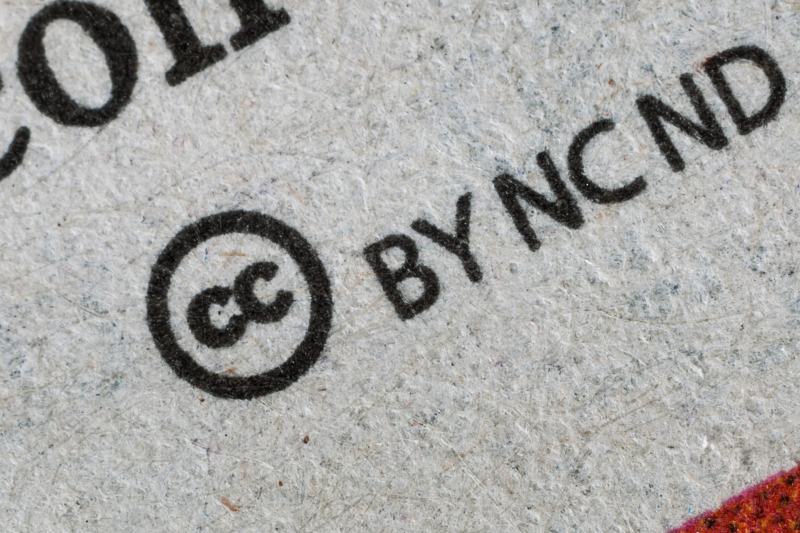
For example, a work published using the license above means that an author credit must be given (BY), it cannot be used for commercial purposes (NC) and any new work produced using the original must use this same license (SA).
You can easily choose the right license on the CC website by selecting the permissions you’d like and the appropriate license information will be generated for you, including some HTML code you can optionally embed into your own website.
Applying a CC license
Once you have chosen the type of license that you would like to use, all you need to do is convey this choice in an easy to see and understand manner. A simple text statement that the work is licensed under a CC license with a link to the license hosted on the CC website.
If you'd like to include the CC icon with symbols and licensing statement, embed the HTML code generated after choosing your license. That's all there is to it!
Learn more
Of course, this is just an overview of copyright and Creative Commons. If you'd like to learn more, take a look at some of the following resources from the Library's collections.
Books and eBooks
- Canadian Copyright: A Citizen's Guide by Laura J. Murray
- Canadian Copyright Law by Leslie Ellen Harris
- Copyright: What Everyone Needs to Know by Neil Netanel
Lynda.com Courses
You will be asked to sign in with your library card to access these courses.
- Copyright for Creatives: Protecting Your Work with Von Glitschka
- Copyrights for Photographers with Carolyn E. Wright and Ben Long
Comments