Learning Microsoft Office
One of our most frequent requests in the Science & Technology Department is for books about Microsoft Office software – especially Word, Excel, Powerpoint, Access and Outlook. Clearly many people want to learn to use these products or to improve their skills. The good news is that the Library has lots of material in a variety of formats for beginner to advanced learners.
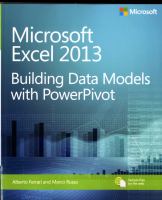
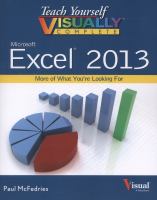
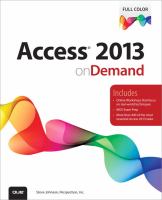
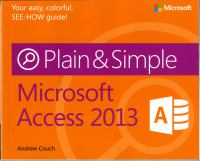
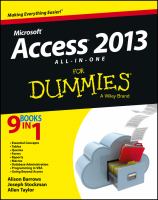
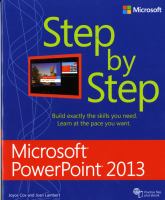
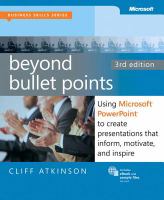
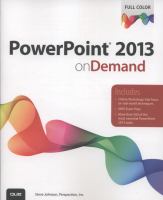
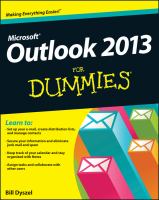
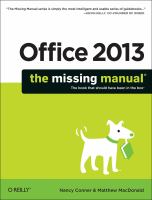
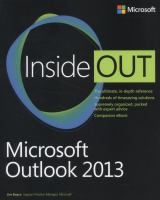
Let's start with a look at books. Here are some examples of what's available for the 2013 version of the Office suite. Note that we also have books on earlier versions if that's what you're interested in learning.
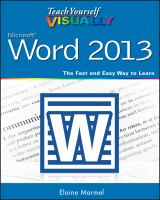 |
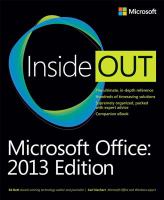 |
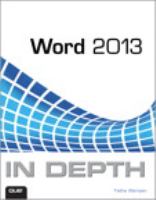 |
|
|
|
|
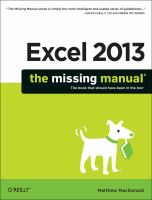
 |
 |
 |
|
|
|
|
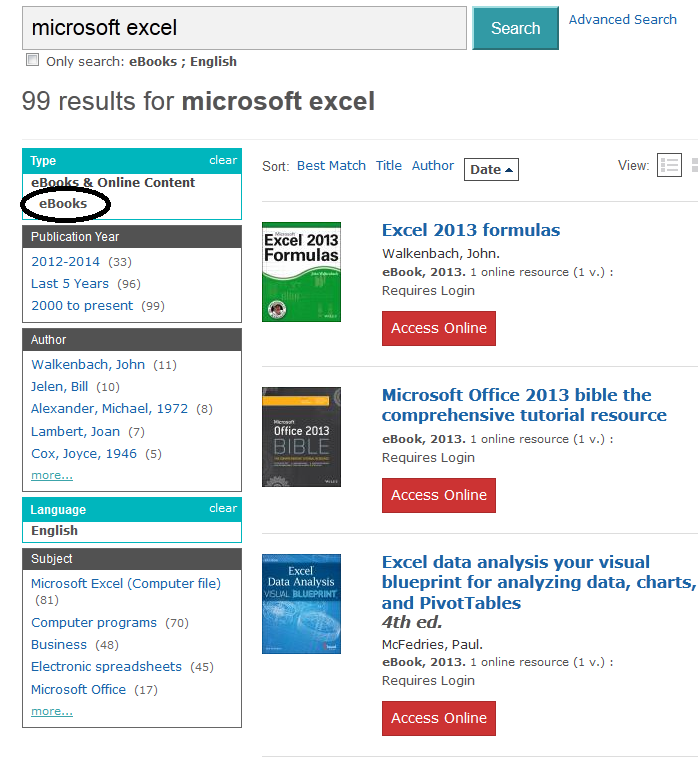
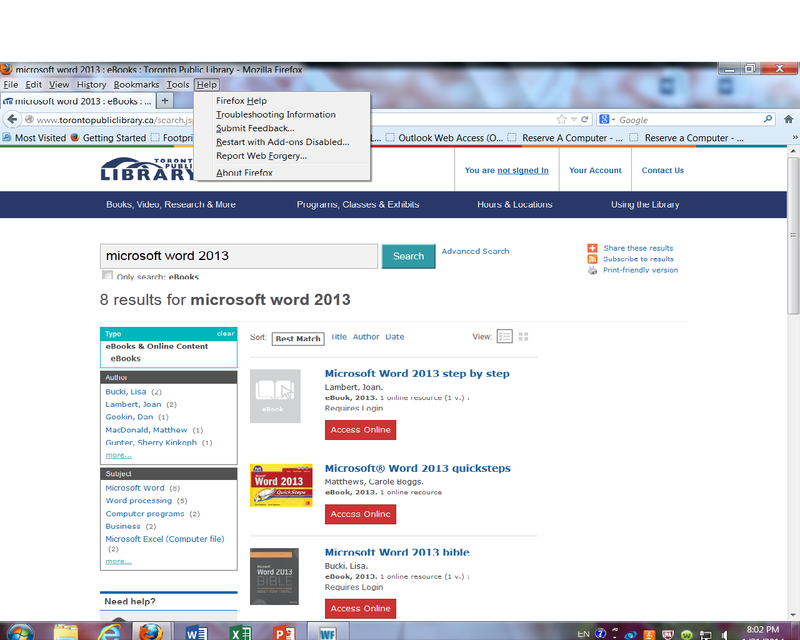
We also have lots of eBooks about Microsoft Office software. There are a couple of ways to find them. One is to use the search box at the top of the home page and then choose eBooks as the Type from the menu on the left of the screen:
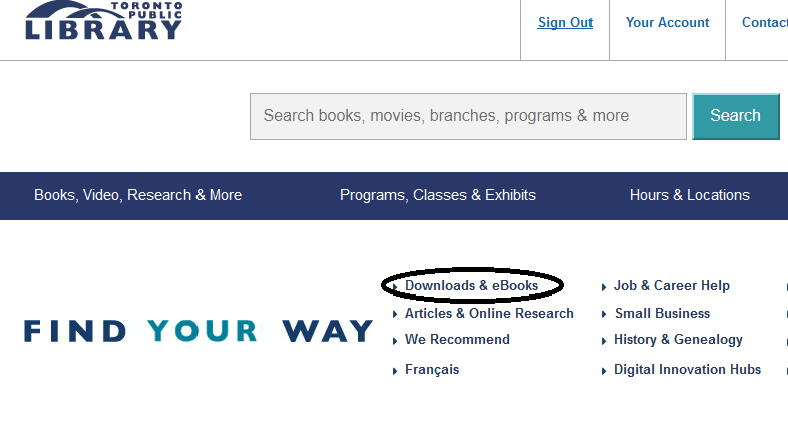
You can also link directly from the Library home page to Safari Books Online, a streamed eBook and eVideo service offering resources on computer subjects. Click on Downloads & eBooks:
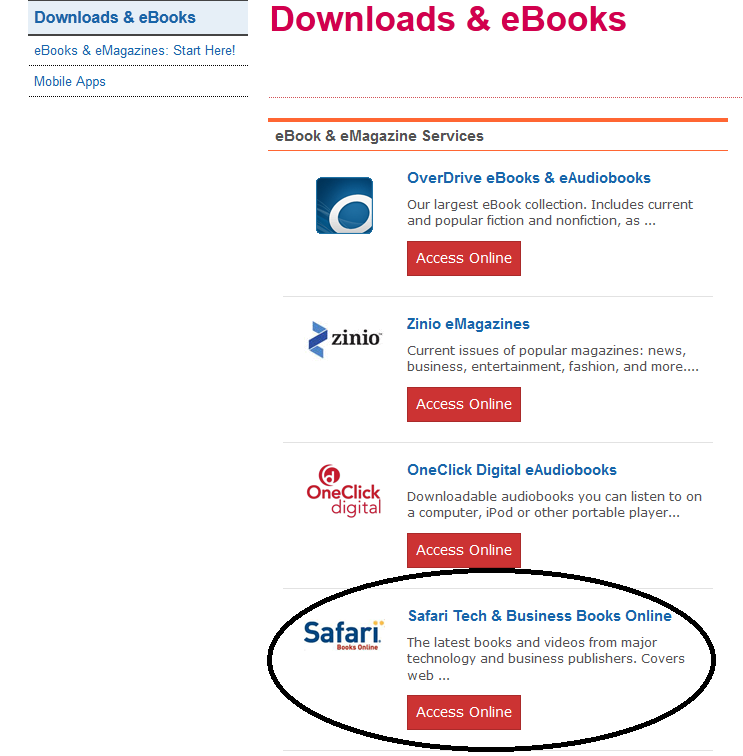
Choose Safari Books Online from the list of eBook services:
Once you sign in with your library card number and PIN you will be redirected to the Safari home page. Type your subject into the search box at the top of the page and you'll get a results screen like this that links you directly to the content:
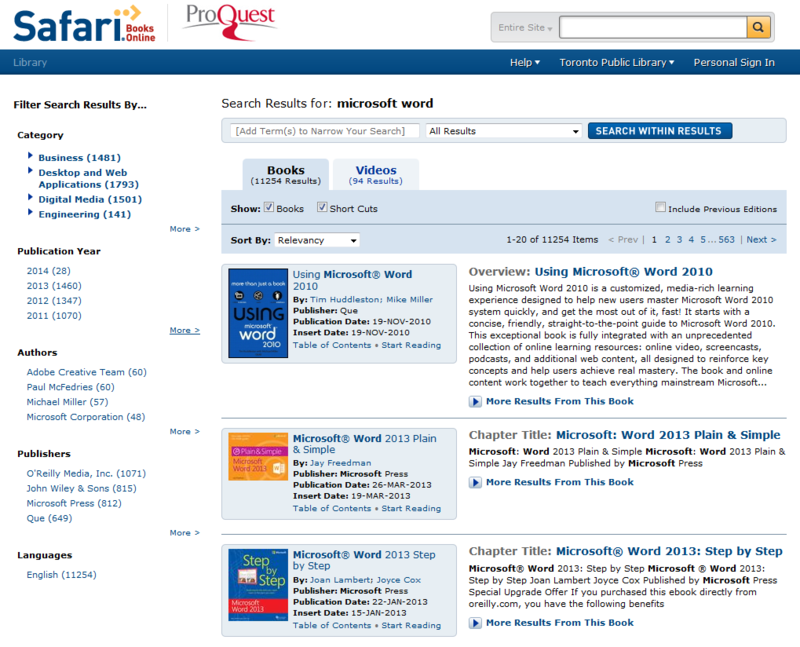
Many of the same books that are available in Library branches are also available on Safari.
If you're a more visual learner, use the Videos tab at the top of the results screen to link to Safari's eVideos on your subject.
For more help with Safari, see this quick guide to Safari prepared by Library staff.
Comments