eBooks and eMagazines: “How To” Help
You may have noticed the Toronto Public Library's recent promotion of our eBook and eMagazine collections on the subways, streetcars and outdoor transit shelters.
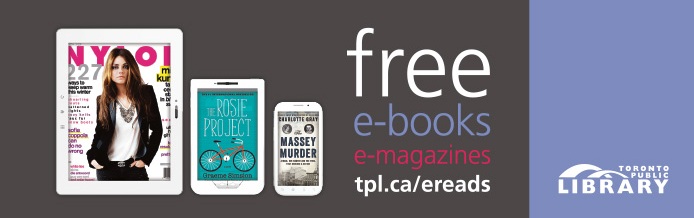
If not, please take the time to read about this promotion here, then come back to this blog post to find out how to get started. You'll be amazed by these collections!
To get started with eBooks, you may want to start by watching one of the video tutorials available from our largest eBook provider, OverDrive. Here you can watch the steps for setting up and using OverDrive on your Apple (iOS) phone or tablet, Android phone or tablet, or eReader. Just pick the video created for your device's operating system. If you want to read an ebook on your computer, or if you have an eReader such as a Kobo, watch the Adobe Digital Editions video for information on how to install that software on your computer. To find out if your device will work with OverDrive, visit the OverDrive Device Resource Center.

After watching the video for your device, you can print out the step-by-step instructions created specifically for Toronto Public Library customers from the Getting Started with Library eBooks section of our website. For even more information, attend one of our Introduction to eBooks sessions at one of your local branches.
After downloading an eBook, check out our eMagazine collection. Unlike eBooks, you get to keep the eMagazines you download. The first step is to have a look at our Getting Started with Zinio eMagazines webpage for a video on using this collection and FAQs. Next, follow the Download Zinio User Guide for the steps on using this collection. The free Zinio app is available from the Apple App store and Google Play.
Comments