Free Coding Tutorials Online
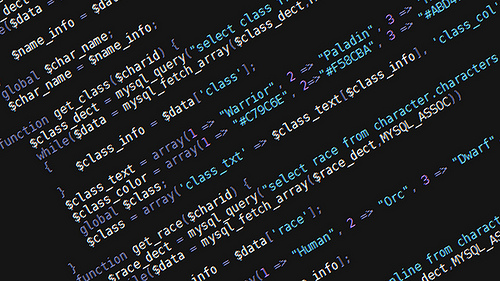
(Photo by Lord James on Flickr)
Computer coding (or programming) is a concept that is quite vague to most of us, including me. This is rather startling as you hear that computing will become even more ubiquitous moving into the near future. Large scale companies like Apple, want to open its platforms to various companies so that consumers will be able to control various appliances and tools using an iphone. Going forward, we may see city governments designing neighbourhood services, like Milton Keynes in the UK, that allow citizens to use their smart device to find parking availability and garbage collectors to pick up bins when they’re full.
I started my educational journey by attending a conference recently, called “Digital Odyssey: Code, the Most Important Language in the World,” which was organized by the Ontario Library Association. I was able to take away a few key lessons that will help me on my journey to learning about code. For example, contrary to popular perception, computers are in fact stupid. Coding is about giving a computer a series of instructions, which it reads from top to bottom and later executes. This can be tricky for the coder, because a simple error will confuse a computer. Also, learning about code is one way to be an active participant in the discussion about how technology is incorporated into our daily lives. In the example of Milton Keynes, being a knowledgeable citizen requires knowing what the implications are of being so connected.
But learning about and how to code can also be a very positive and exhilarating experience. Coding can be used as way to express oneself by designing an interactive art exhibit. See a video by hello processing to learn more. You can also use coding to program a device (using Arduino and Rasberry Pi), design a web-based game using Javascript, design a website using HTML & CSS (or Ruby); or if you want to build a web app look into learning Python. The first step, however, is knowing what it is you want to do.
If you want to learn any of the languages above, check out these free, interactive web tutorials:
Codeacamedy lets you choose between two activities: how to program a website using HTML or a game using Javascript. It also asks you to sign a pledge that commits spending one day per week on learning. I chose website design, so I began to learn HTML & CSS. The lessons seem intuitive and build on the previous lesson, becoming more and more complex.
Khan Academy's program on coding, like many other sites, aims to teach you how to program a game using Javascript. The first lesson teaches you how to draw and position shapes on your screen. The narrator is funny and the interactive videos makes it easy to pick up. There are also pop-up windows that tell you when you’ve done something wrong so it’s like having a teacher along the way.
Some other resources that look at specific languages include learnpython.org and tryruby.org.
Some kid friendly resources:
Lightbot is a resource to teach children between the ages 4-8 and 9+ through play. It introduces children about spacing on a grid and issuing commands. The free version guides children through the basics, and other concepts like procedures, and loops.
Use Code.org to find resources for children that teach languages such as Javascript, Python and find other general games that teach children coding concepts. One online resource to highlight is Scratch. I like this tool because it takes a less passive approach to teaching children coding and it’s a text editor in disguise. Children learn coding concepts like using operators, setting controls, creating events and more. Use this tool to create your own video game or animation.
Find resources for Scratch and other languages here at learning labs.
One great resource for e-book materials is a databse called Safari
tech & business books online. For a short guide on how to access, Download Here.
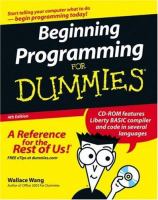
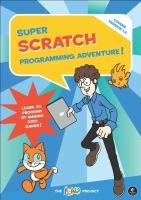

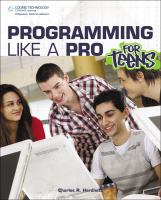
The library also offers various programs like Python for Pi and website design so Check them out!
Comments